
Kehilio Giving
Bring your community’s support together.
Choose fundraising with Giving, a website with Home, or member accounts and office tools with Complete.
Bring your community’s support together.
Give your Shul a home online.
Bring your whole office together.
We’ll confirm your plan pricing, setup, and any separate provider fees before you commit. Standard support is included.
Choose the tools that match the work your Shul needs to do.
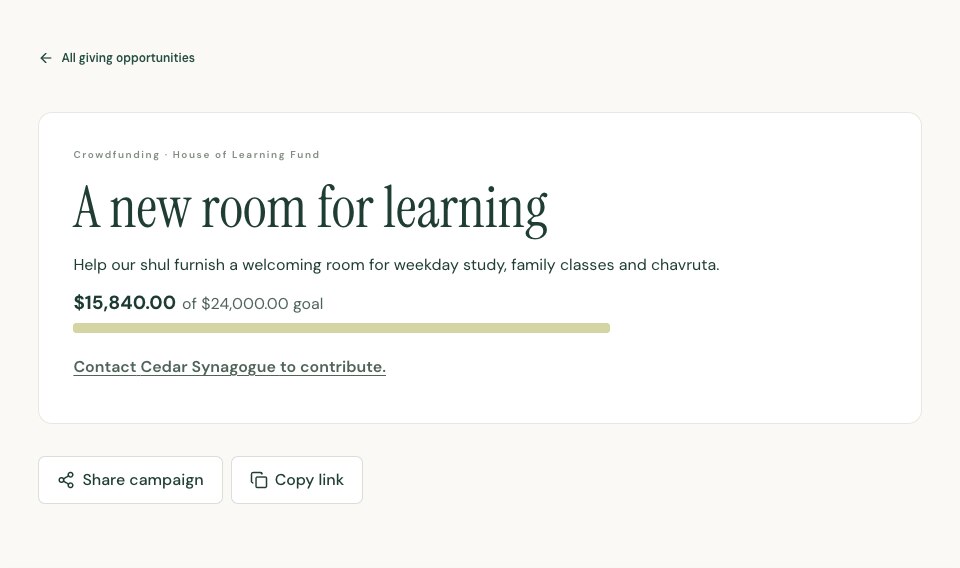
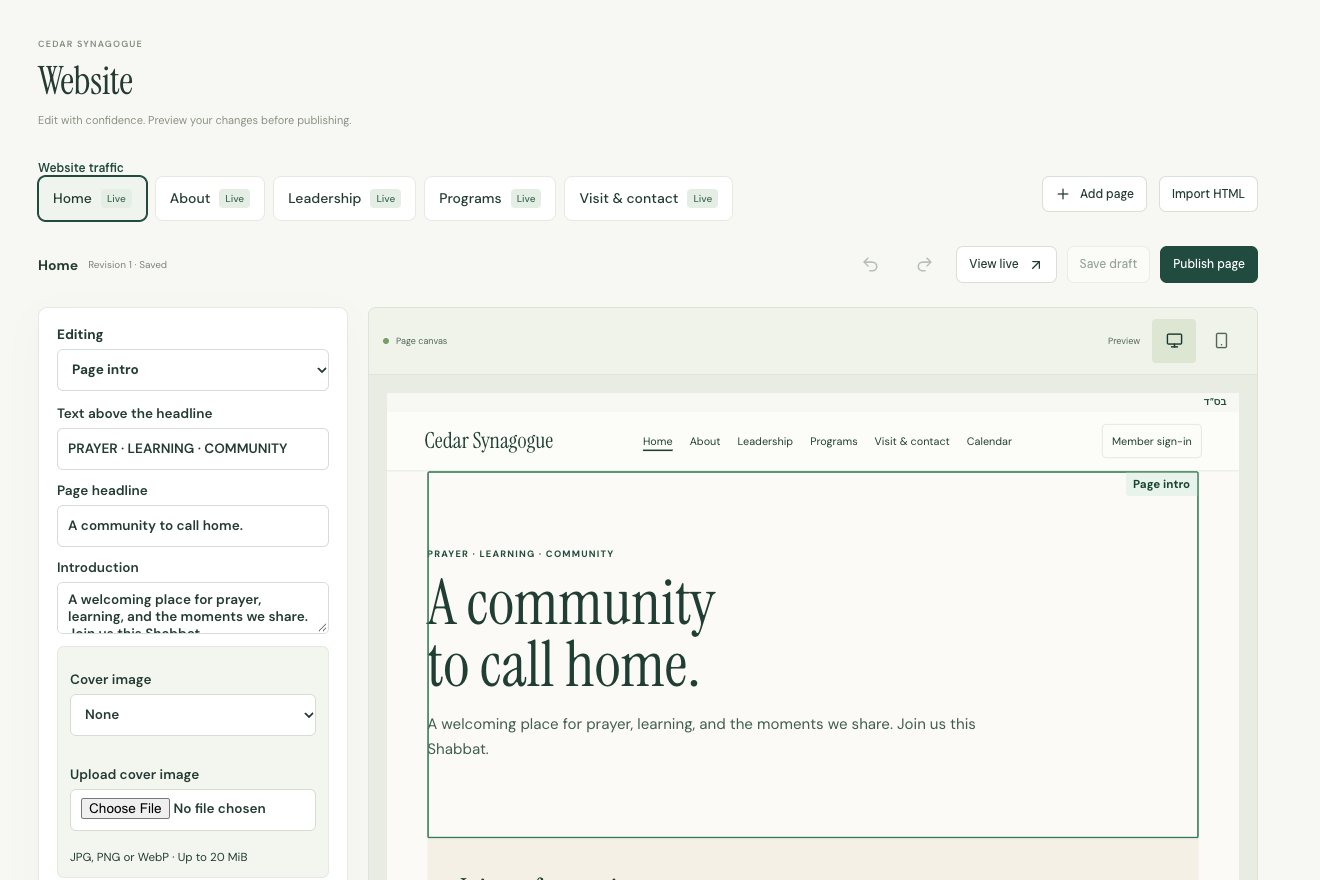
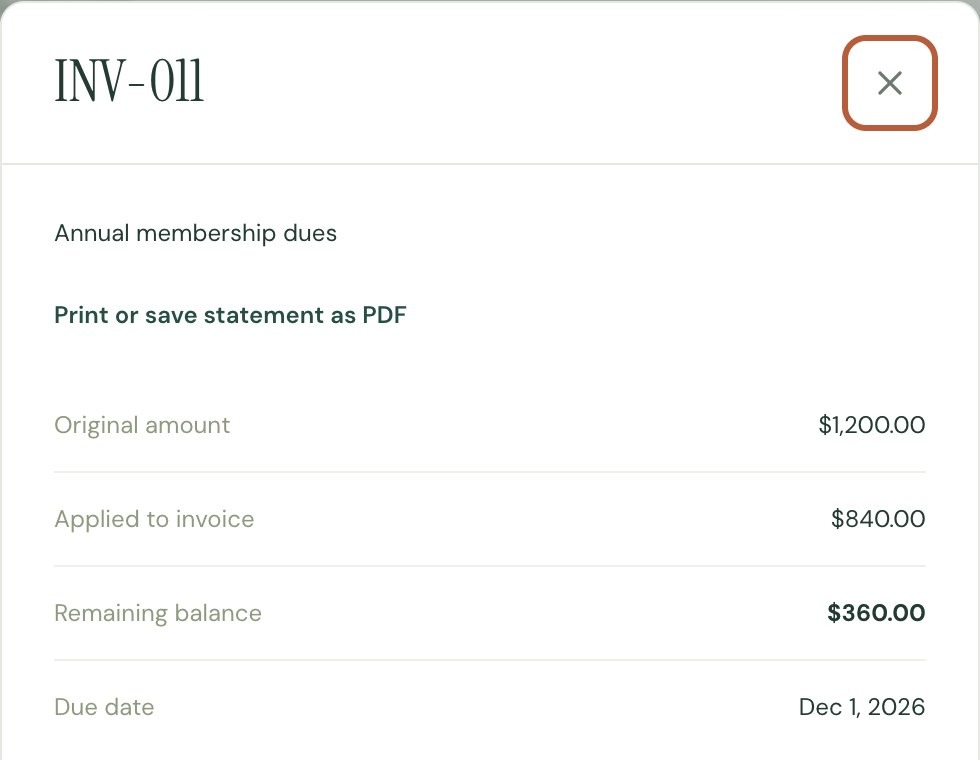
Fictional product examples. See the current plan details above; amounts inside these examples are not plan prices. Staff authority, household access, and completed setup are checked separately.
Bring your questions about moving your website, member records, or payments.
Book a demoStart with fundraising, add a website, or bring your whole office together.
per month
per month
Everything in Giving, plus
per month
Everything in Home, plus
No member or campaign caps. Fair-use protections apply.
Giving covers fundraising. Home adds your website and community updates. Both have no setup fee. Complete adds member accounts and office tools, with guided setup to move and check your records and train your staff.
Standard support is included. Optional help setting up your Home website and guided Complete implementation are quoted before work starts.
Payment processing, applicable provider fees, and separately agreed services are billed separately. See how payment providers fit.