
Make changes in a draft
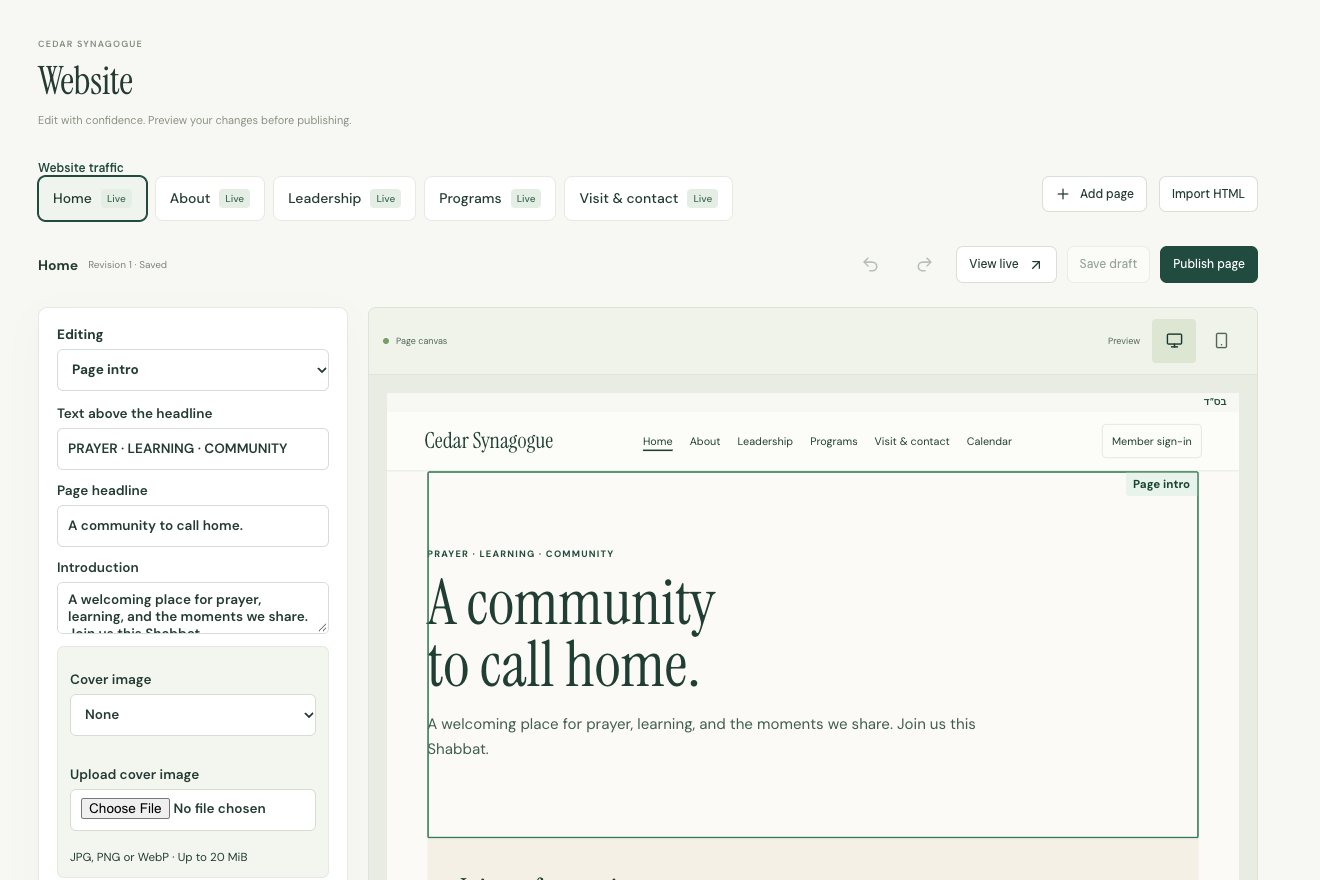
Edit a page, move sections and preview the result before visitors see it.
Update service details, programs and announcements from the same place you publish your pages.
Edit a page, move sections and preview the result before visitors see it.
Choose the zmanim that matter to your shul and put the header, footer and giving link where visitors can find them.
Publish photos, logos and PDFs on the relevant pages.
Bring a link to your current site and the pages you need for opening day. In the walkthrough, we’ll show what the office can publish and discuss your domain, files and migration.
Browse the use-case library for sponsorships, member bills, dues, and seating walkthroughs.
Work from a private draft, check the preview, then publish the change for your kehilla.
Website building and publishing are part of Kehilio Home and Complete. Your staff still needs the right website permissions.
Walk through the demo with us and bring your questions.
Book a demo