
An ongoing fund
Give donors a permanent page for general tzedakah, building support or another designated purpose.
Give each cause a place to explain the purpose, show the goal and let people give.
Give donors a permanent page for general tzedakah, building support or another designated purpose.
Publish the purpose and goal, send people one link and show how far the community has come.
Open a defined opportunity for a program or meal so members can see when it’s available.
Bring your dates, your goal, and the ways people can give. We’ll help you set up the page and make sure each donation reaches the right fund.
Browse the use-case library for sponsorships, member bills, dues, and seating walkthroughs.
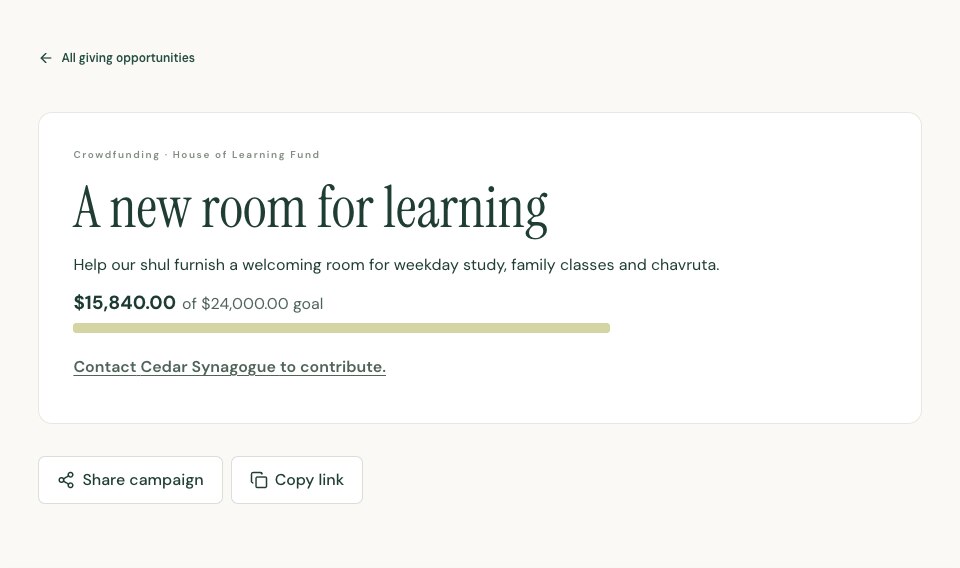
A clear campaign page lets a family understand the need and follow the recorded total.
The printable receipt stays with the donation. Recording this office entry does not automatically create its QuickBooks entry; the treasurer handles that separately.
Walk through the demo with us and bring your questions.
Book a demo