
Direct tzedakah
List your general tzedakah fund or a fund for a specific cause. Once your Shul can accept payments, members and guests can make a one-time donation.
Give your community a place for tzedakah, a campaign, or a sponsorship worth sharing.
List your general tzedakah fund or a fund for a specific cause. Once your Shul can accept payments, members and guests can make a one-time donation.
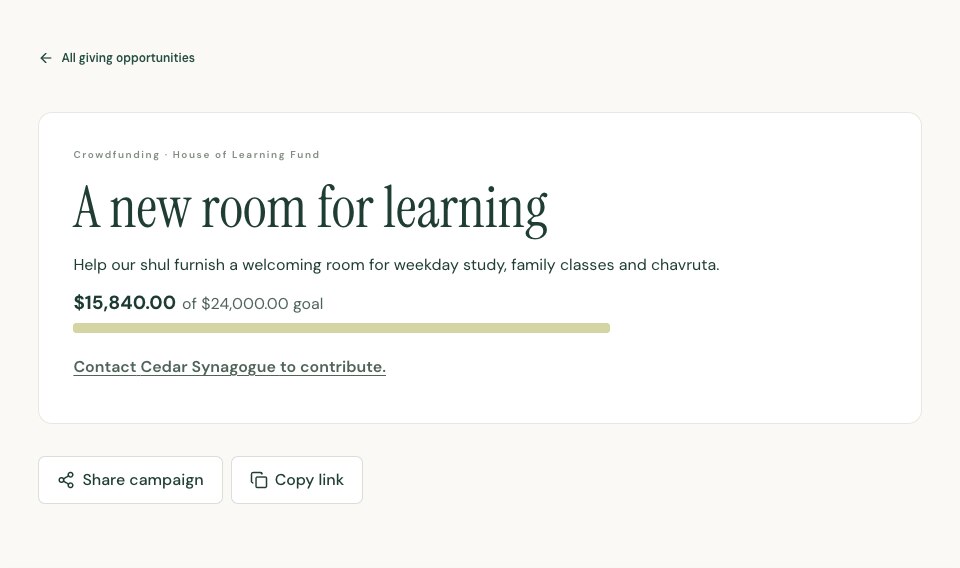
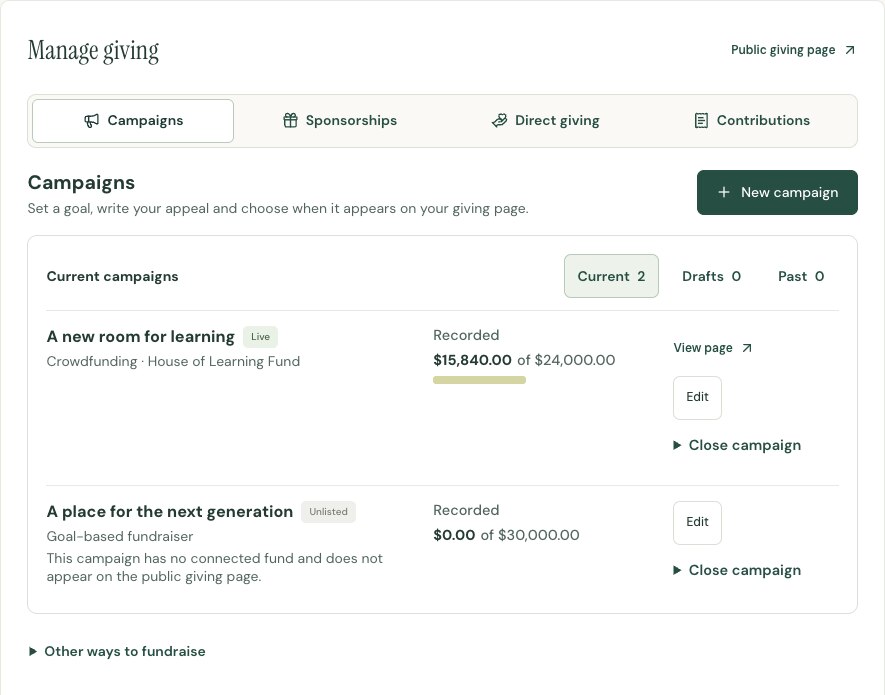
Set a fundraising target for a project, choose when the fundraiser opens and closes, and share a page that shows progress.
Share your fundraiser so donations of every size can help you reach the same goal.
Price a Shabbat lunch or a period of learning. Members can reserve an available date, month, or year and pay for that term.
Members choose a fund and set a monthly donation by card. They can see past donations and stop future payments from their account.
Set a price and capacity for a service. Eligible households can reserve and pay for a place. Use numbered seats for assigned seating.
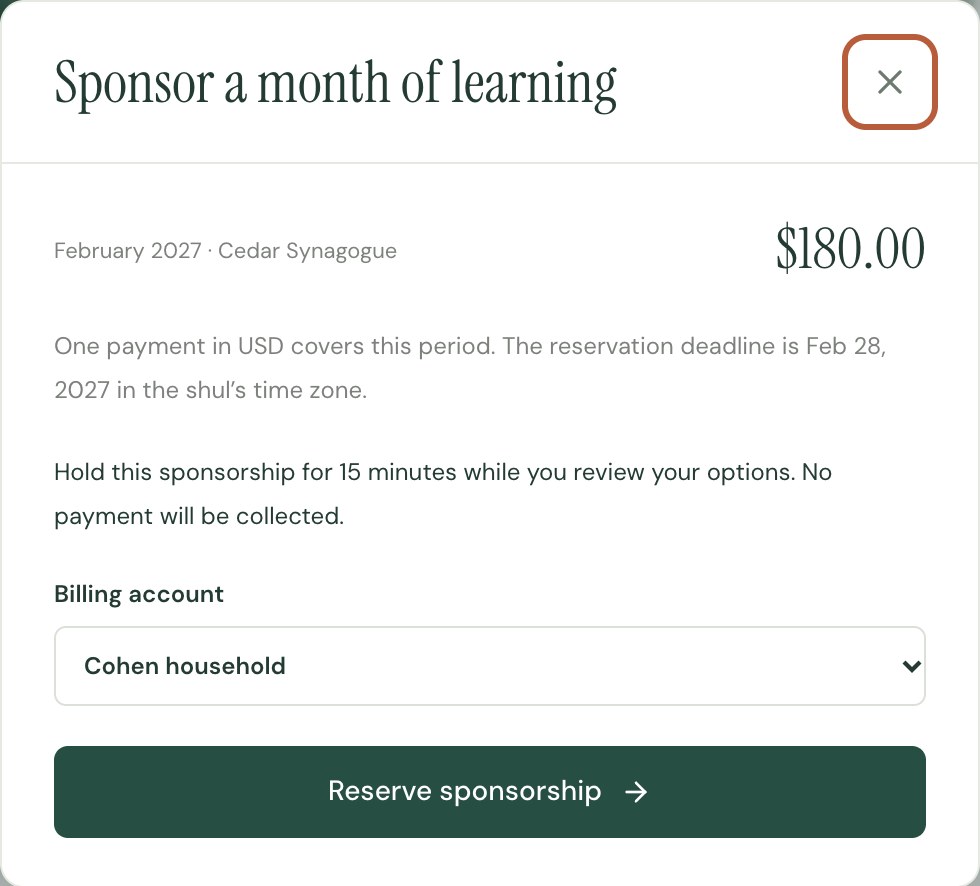
Set a price and make a date, month, or year available. A member picks a term and the household account, then reserves it before completing payment.
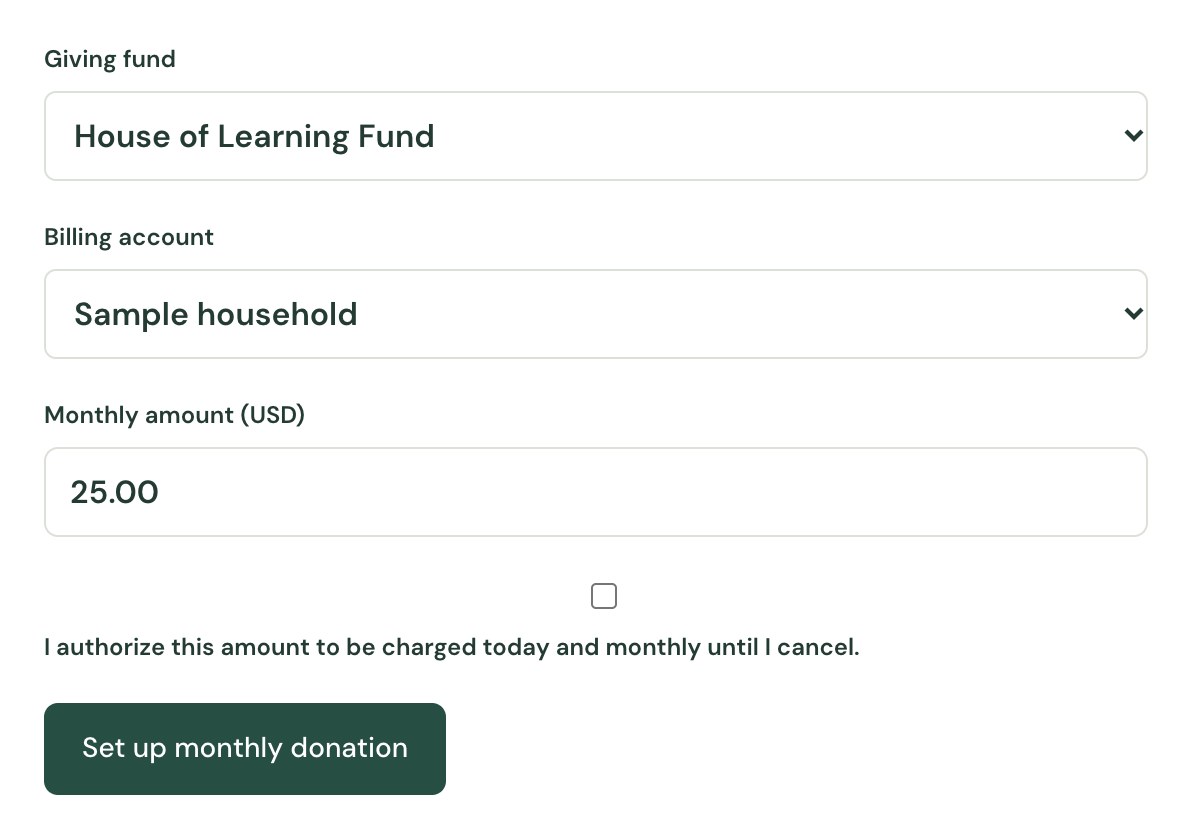
A member selects the fund and household account, chooses the amount, and authorizes the monthly charge.
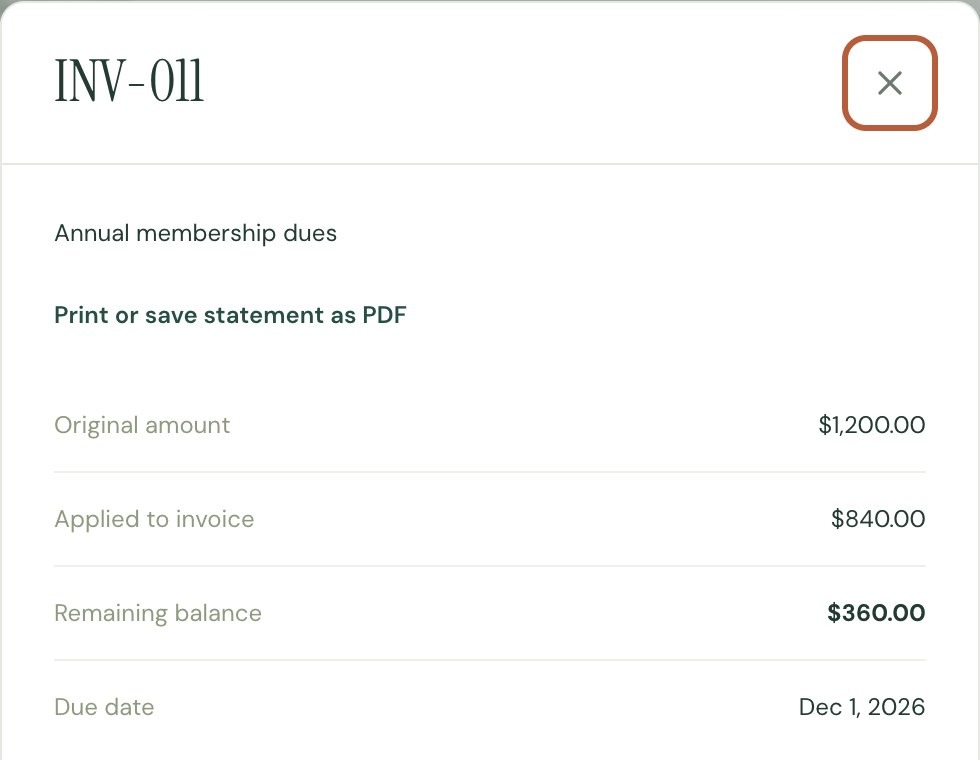
Send monthly or annual dues invoices once the household is connected to the right QuickBooks record. Members can pay from their account or, for eligible bills, split the balance and opt into automatic payments.
During setup, we make sure your Stripe payments work before you begin collecting. Your treasurer can follow a payment from the member’s receipt to the right QuickBooks entry.